Small Differences
Before getting started, I want to say that some of the commands here may not work for your particular device. Each smart speaker has slightly different linguistic parameters, so you might need to give you command in a slightly different way. So, if the exact commands here don’t work as listed, then just speak in a way your smart assistant understands. Otherwise, all these commands should work if you have the right equipment.Music
Everyone loves music. You already know you can play and stop music with your assistant, but it can do so much more with the right commands. For example, you can tell your speaker to play music by genre or by context.- ”Play hard rock songs.”
- ”Play that Smashmouth song from 1999.”
- ”Play that song that goes ‘you must whip it’.”
Smart Home
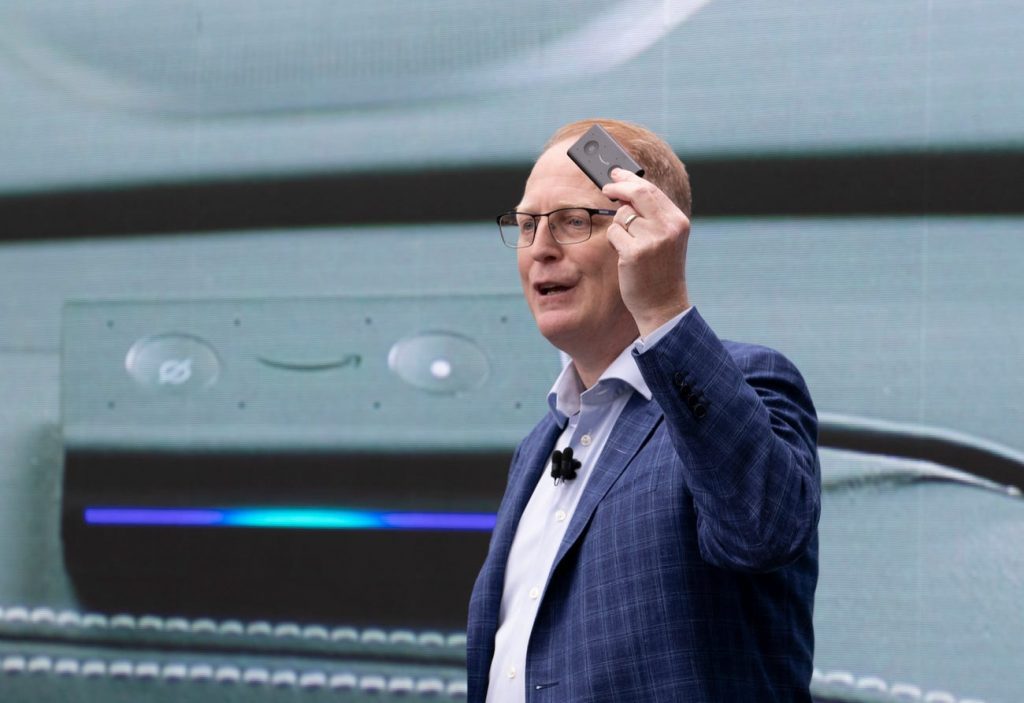 Amazon’s head of devices says the smart home is still ‘too complicated’ — and working with major rivals like Apple and Google is the way to fix it
These are my favorite commands. You’ll need smart home devices of course, but these commands give you a taste of the power you can wield with your voice. Don’t blame me if you go a little mad with power and play with your home for hours.
Let’s start with lights. You know you can turn lights on and off, but that’s simple and boring. A smart home is about deep customization. You can make your lights perfect with these commands:
Amazon’s head of devices says the smart home is still ‘too complicated’ — and working with major rivals like Apple and Google is the way to fix it
These are my favorite commands. You’ll need smart home devices of course, but these commands give you a taste of the power you can wield with your voice. Don’t blame me if you go a little mad with power and play with your home for hours.
Let’s start with lights. You know you can turn lights on and off, but that’s simple and boring. A smart home is about deep customization. You can make your lights perfect with these commands:
- ”Dim/brighten my lights by 20%.”
- ”Turn my lights red/blue/green.”
- ”Make the living room lights a little warmer/cooler.”
- ”Turn the temperature up/down by two degrees.”
Sports and News
Do you care about sports and news? Your smart speaker can help you keep up with your favorite news outlets, teams, sports, or the weather. This is all done with simple voice commands. For example, you wake up and want to know what’s new in the world. Just use these commands:- ”What are the news headlines for today?”
- ”What’s the latest news from CNET/News 12/etc”
- ”What’s the weather today?”
- “What’s new with the Red Sox?”
- ”Do I need an umbrella/coat today?”
- ”How long is my commute today?”
- ”Did the Mets win last night?”
- ”Tell me a positive news story”
Broadcasting
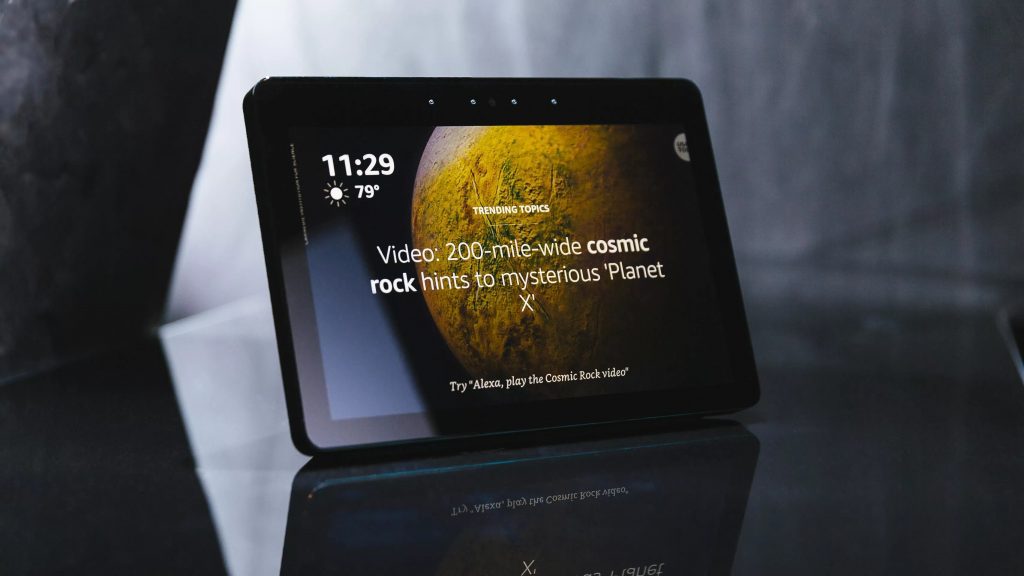 Every Alexa command to give your Amazon Echo smart speaker or display
If you have multiple smart speakers throughout the home, then you can make broadcasts and announcements with a single voice command. This lets you send a message to all the other speakers and there are a variety of messages you can send. Just a few of them are:
Every Alexa command to give your Amazon Echo smart speaker or display
If you have multiple smart speakers throughout the home, then you can make broadcasts and announcements with a single voice command. This lets you send a message to all the other speakers and there are a variety of messages you can send. Just a few of them are:
- ”Broadcast breakfast/lunch/dinner is ready.”
- ”Broadcast it’s time to wake up.”
- ”Broadcast I’m home/will be home soon.”
- ”Broadcast the movie/show is about to start.”
Better Than Smartphone
How smart speakers stole the show from smartphones
I’ve been talking about how great smart speakers are, and to be honest, this is a very small sample of cool commands you can give your speaker. However, we have to acknowledge the elephant in the room. Almost all of these things can be done on your smartphone. So, when is a speaker better than your phone?
First, let’s talk about convenience. Do you really want to reach into your pocket, turn on your device, open an app, and adjust the settings by one degree for your home? Or, would you rather just say “raise the temperature by one degree” and move on with your life?
There are also times when you’re hands are full. You’re coming in after shopping and you want to issue a command. Or, maybe you’re cooking and the idea of balancing a chef’s knife and your phone worries you (which it should).
It’s situational, but when you get a smart speaker you notice that those situations are quite abundant.